Weather Apps vs Your Own Observations: Which Should You Trust?
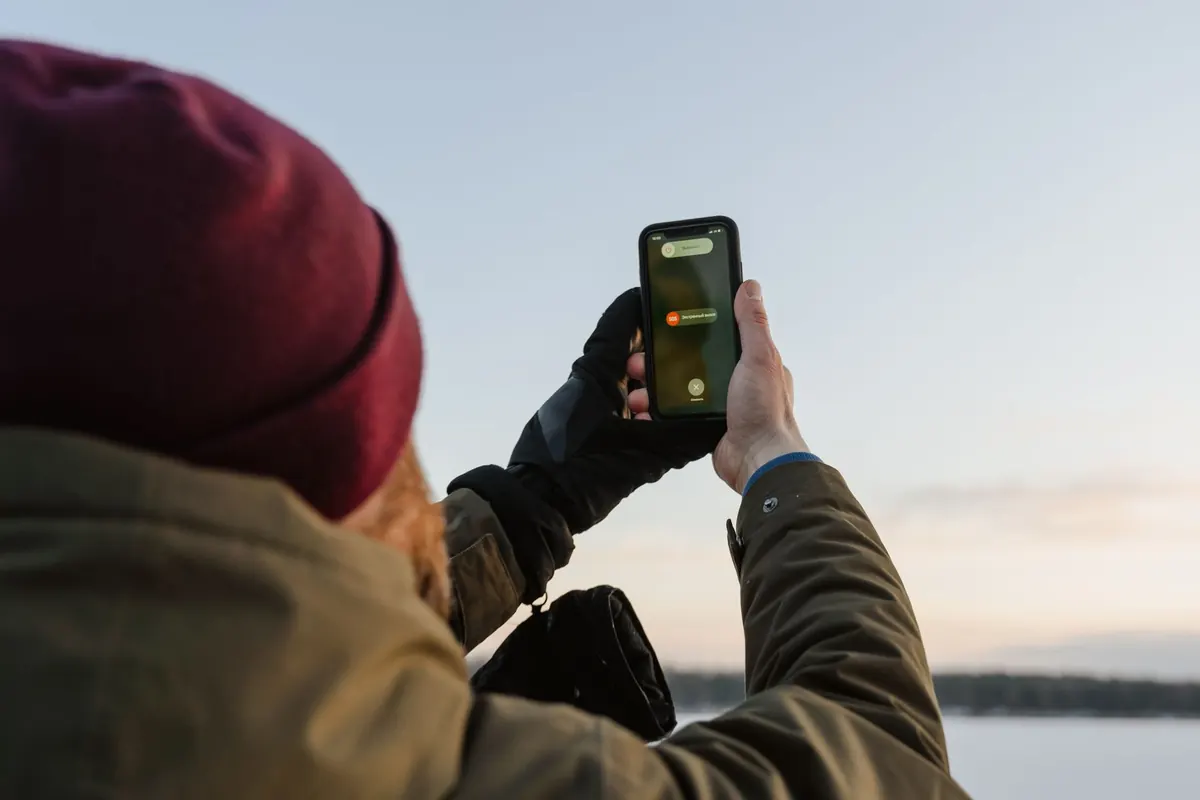
Your phone says rain at four. You look out at a blue sky, decide the app is being dramatic, and leave the washing on the line. By half past three the cloud has rolled in and the towels are damp. The app was right. Two days later the same app promises a dry afternoon while a dark wall of cloud builds to the west, and you get soaked walking the dog.
Neither source is stupid. Forecasts and your own eyes answer different questions, and the trick is knowing which one to ask.
What Forecast Apps Are Genuinely Good At
Apps draw on the same handful of numerical models run by national meteorological services and research centres, blended with radar, satellite and surface reports. They are strong on the broad picture: the passage of a front, a change of air mass, the prevailing wind direction, the trend in temperature over the week ahead. If a cold front is crossing the country on Thursday, no amount of local knowledge will hold it back. Models also see what you cannot — weather forty miles upstream, conditions a mile above your head, how the pattern is likely to evolve overnight.
The weakness is scale. Even a high-resolution regional model works on a grid a couple of kilometres wide at best, and global models are far coarser. Your garden is much smaller than that. A forecast for "your area" describes a box that may contain a hill, a valley, a housing estate and a field, each with noticeably different weather. Showers are especially awkward: a heavy one can soak one street and miss the next.
Apps also look more precise than they are. "Rain at 15:00" usually means the model sees a meaningful chance around then, and the timing can slide by an hour or more either way. Read it as a shape, not a schedule.
Where Your Own Eyes Beat the Model
Some weather belongs to your patch of ground and nowhere else. Showers that bubble up on a warm afternoon are the classic case — you can watch the first cumulus grow over the same hill almost every time. The same goes for sea breezes pushing a line of cloud inland, fog that forms in one valley and not the next, and frost that settles in a hollow while the top of the road stays clear. A model averages these features out. You live inside them.
You also know your own terrain: which direction rain usually arrives from, how long your street holds water, whether wind funnels between two rows of houses.
A five-minute sky check
- Wind direction. Note it twice, ten minutes apart. A wind swinging from south-west towards south-east often means a front is approaching; a veer after rain usually means it is clearing.
- Cloud type and movement. Small, crisp cumulus with flat bases is fair-weather cloud. When the tops grow cauliflower-shaped and the bases darken, showers are brewing.
- Cloud base. A lowering, darkening sky to windward is your best short-term warning of rain.
- Light and visibility. A halo round the sun or moon, or a milky veil of high cloud thickening, often comes several hours before a warm front arrives.
- How it feels. A sudden temperature drop, a clammy rise in humidity, or that earthy smell before rain are all genuine cues.
Where Your Own Observations Mislead You
You are one point on the map. Radar sweeps a hundred kilometres; you see the view from a kitchen window. Rain may be heading your way at speed and still be invisible to you, so observations are best paired with a radar loop rather than used alone.
Memory is unreliable too. Most of us remember the days the forecast got it wrong and forget the many times it was roughly right, which quietly convinces us that the app is useless and our instincts are excellent. And your instruments may be lying: a thermometer in full sun reads several degrees high, a rain gauge tucked against a fence under-reads, and a sheltered garden feels calmer than the exposed field beyond it.
Matching the Tool to the Question
- Will it rain on my walk in the next hour? Your eyes and a radar loop, checked together.
- Will Saturday be dry enough for a barbecue? The app, looked at daily, watching whether the forecast stays consistent.
- Will the valley fog over tomorrow morning? Local knowledge plus the app's overnight minimum temperature and wind speed.
- Will frost catch my tender plants? The app for the general night, your own cold corner for the detail.
- When will this band of rain clear? Radar, satellite and the hourly forecast read as a sequence.
A Routine That Uses Both
- Start with the pattern. Is this a showery westerly, a settled high, a slow-moving front? That one question shapes everything else.
- Read the hourly strip as a shape. Note when the risk window opens and closes rather than fixating on a single time.
- Check the radar. A short loop of the past hour shows what is genuinely approaching, though only for the next hour or two.
- Step outside for two minutes. Wind, cloud, feel.
- Make a call and write it down. Then check later whether you were right.
Keeping a Log That Earns Its Keep
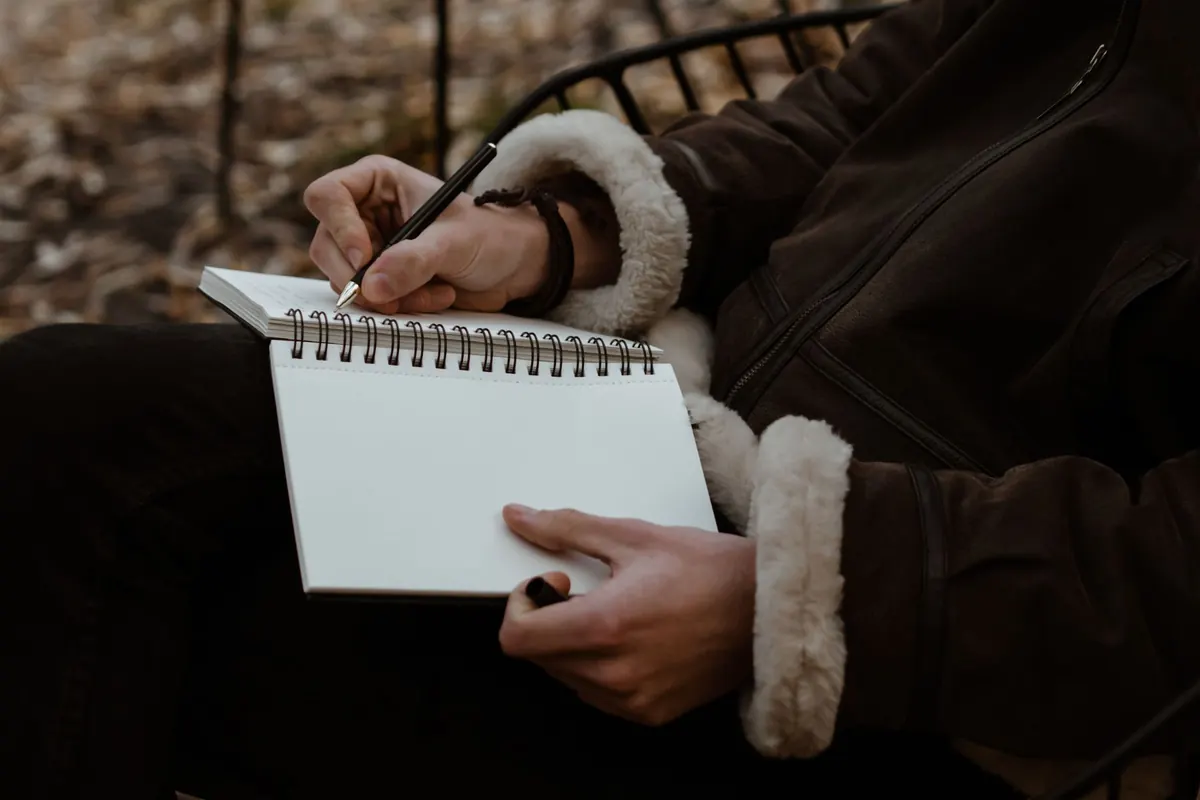
Record the same few things each day: date, time, temperature, wind direction, cloud cover, whether rain fell, and one line of notes. Add the forecast you saw that morning. Within a month you will have something no app can give you — a record of how your particular spot behaves, and how often the forecast got it right for you. Plenty of people find their app is reliable on the broad trend and unreliable on shower timing, but the pattern differs between a coastal town, a hill farm and a city centre.
For severe weather, always take official warnings seriously. Your own eyes are a useful supplement to those, never a replacement.
The Short Answer
Trust the app for the shape of the day, the trend across the week, and anything happening beyond your horizon. Trust your eyes for the next hour or two, and for what is happening exactly where you stand. When the two disagree, ask which one can see further than you can — that is usually the one to follow, unless you can already see the rain coming over the hill.
Then let your own log settle the argument. A month of notes will tell you more about your local forecasting than any single app review, and it costs nothing but a notebook and a few minutes a day.
Photo: Tima Miroshnichenko / Pexels